01 Jul
QR codes are now familiar to almost every guest. That makes a QR code waiter call system one of the easiest ways to improve service in a restaurant, because guests already know what to do.
How a QR Code Waiter Call System Works
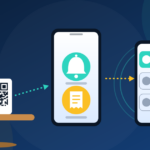
- A QR code (or NFC tag) is placed on each table. Every code is linked to that specific table number.
- The guest scans it with a smartphone, Android or iOS.
- A control panel opens in the phone’s browser with two buttons: Call the waiter and Ask for the check.
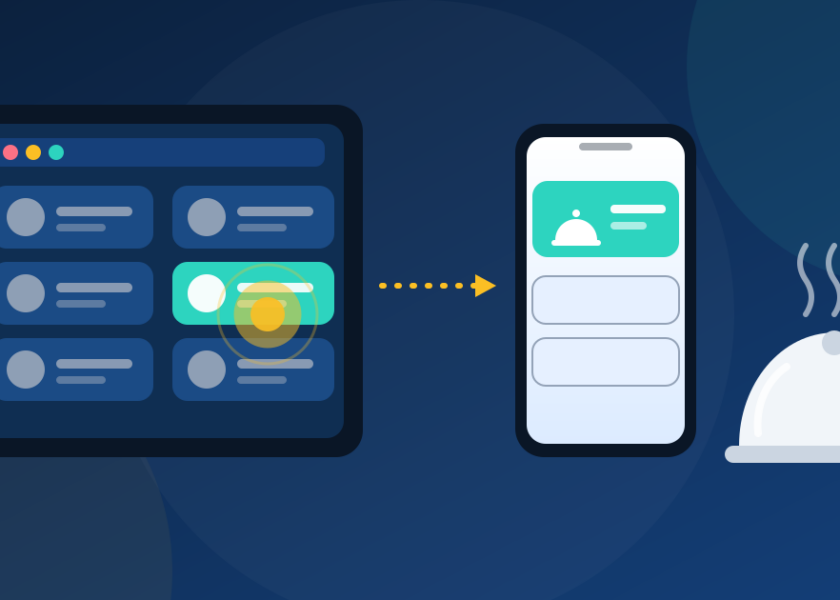
- The guest touches the button. The call appears instantly on the waiter’s phone, with the table number and the time elapsed.
The waiter then goes to the table, and removes the call from the list once the request is handled.
Why “No App” Matters
Asking guests to download an app is where most digital service ideas fail. People don’t want to install software for a single dinner. With iRestaurante, guests only need a QR scanner, which most phones already include. The guest sees the restaurant’s own control panel in the browser, so there is nothing to register or install.
QR Code vs. NFC Tag
- QR code: works with any smartphone camera or QR reader. Very cheap to print and replace.
- NFC tag: the guest simply taps the phone on the tag. Faster, but needs an NFC-enabled phone.
- Both on one holder: gives every guest an option. iRestaurante offers table holders that combine both.
Do You Need WiFi?
Not necessarily. The system works with your restaurant WiFi or with the guest’s mobile data. Offering free WiFi is still a good idea, because it keeps the connection stable for guests and staff.
Tips for Placing QR Codes on Tables
- Add a short call to action, such as “Scan to call your waiter”.
- Use a holder or laminated card, so the code stays clean and readable.
- Keep the code at a size that scans easily at normal reading distance.
- Test every table code with both an Android and an iPhone before opening.
- Use clear table numbers so the waiter always knows where to go.
Getting the Codes
With iRestaurante, we send the QR images by email after your account is created. You can print them yourself or order our holders.
Want to test it on your own tables? Start your free 7-day trial, or try the live demo in the How It Works section.
Related reading: What Is a Waiter Call System?